

VibeFox Candles MT5
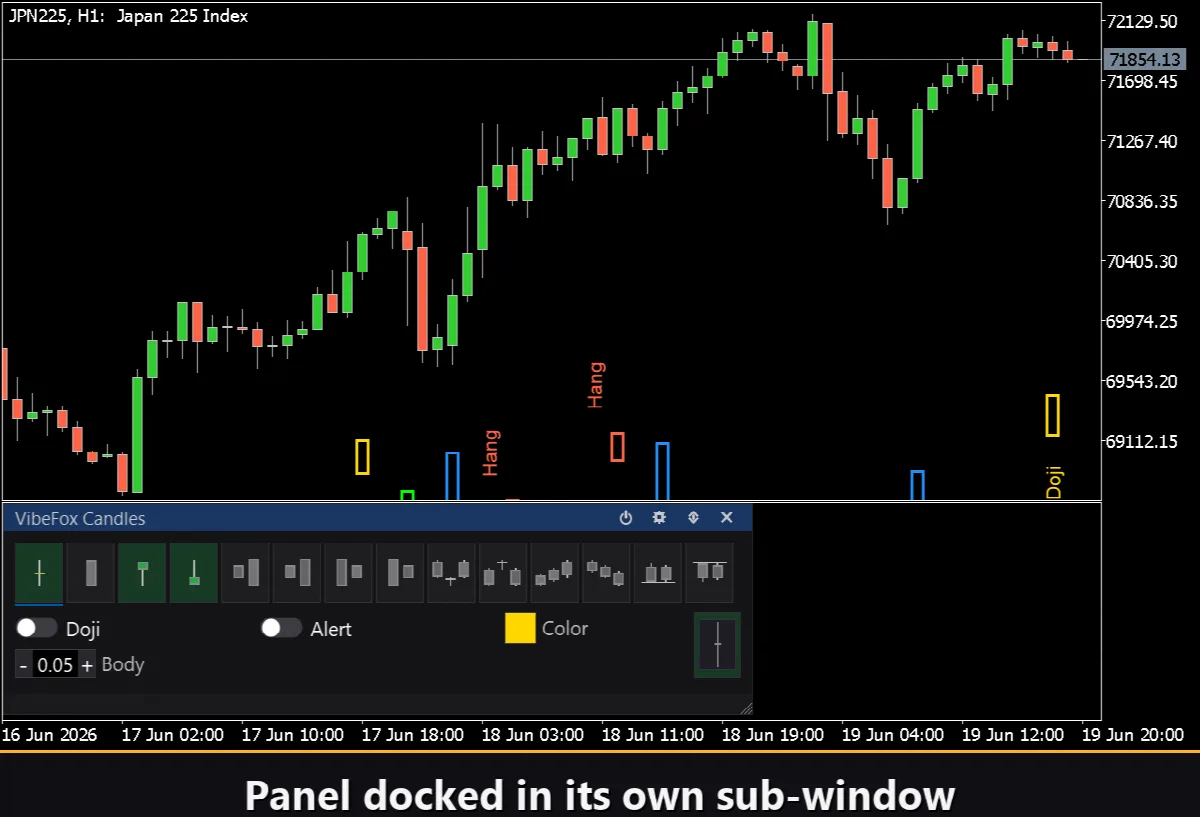
VibeFox Candles is a real-time candlestick pattern scanner for MetaTrader 5. It automatically recognizes the most important Japanese candlestick formations and marks them directly on your chart through a modern, interactive panel. You read price action at a glance instead of inspecting every bar by hand.
VibeFox Candles — Candlestick Pattern Scanner
VibeFox Candles is a real-time candlestick pattern scanner for MetaTrader 5. It automatically recognizes the most important Japanese candlestick formations and marks them directly on your chart through a modern, interactive panel. You read price action at a glance instead of inspecting every bar by hand.
Recognized Patterns
The scanner detects 14 classic candlestick patterns, covering single-candle, two-candle and three-candle formations.
Single candle: Doji, Marubozu, Hammer, Inverted Hammer.
Two candles: Bullish Engulfing, Bearish Engulfing, Bullish Harami, Bearish Harami, Tweezer Bottom, Tweezer Top.
Three candles: Morning Star, Evening Star, Three White Soldiers, Three Black Crows.
Each pattern is detected in real time on every newly closed bar, so signals stay in sync with the live market.
Fully Configurable per Pattern
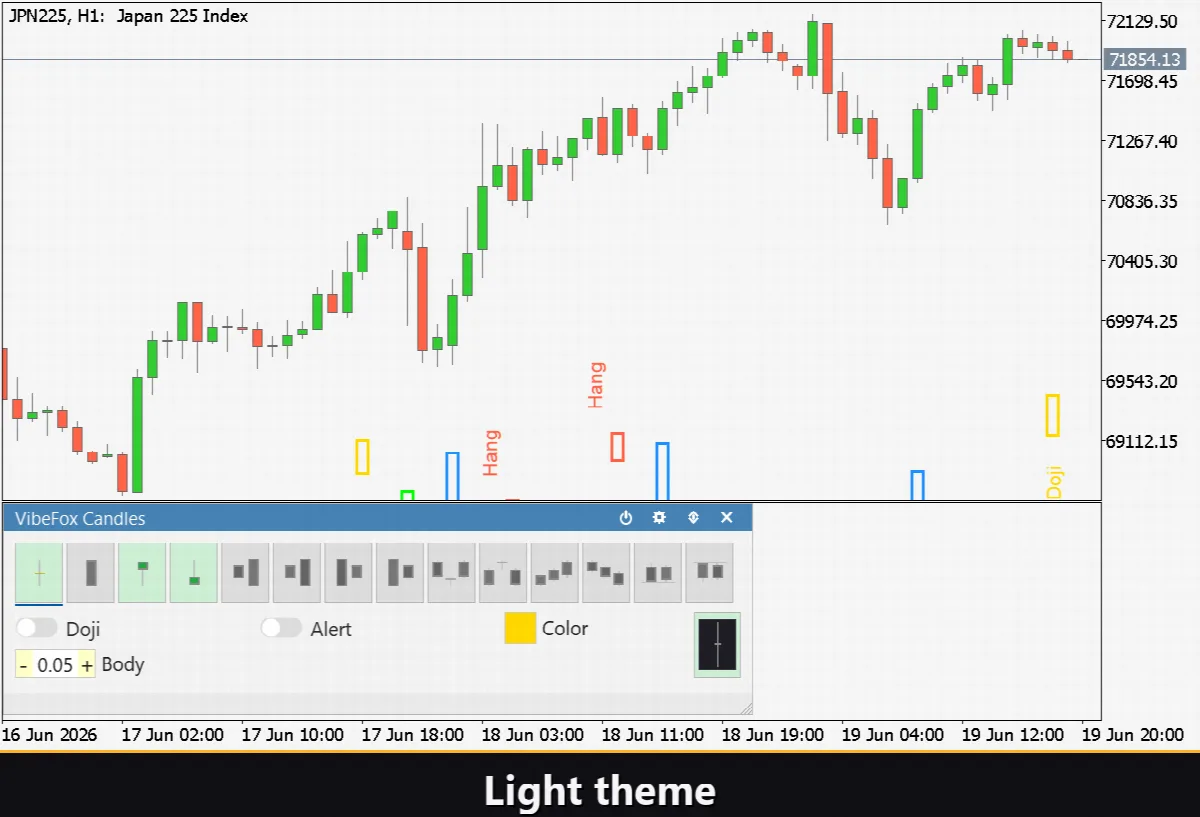
Every pattern keeps its own independent settings, opened with a single click on its tab.
Show on chart turns the visual marker on or off for each pattern individually.
Color and transparency let you assign a personal color and transparency level to every pattern.
Sensitivity — for candlestick shapes you can tune the Body (body-to-range) and Wick (shadow) thresholds, adapting detection to any symbol or timeframe.
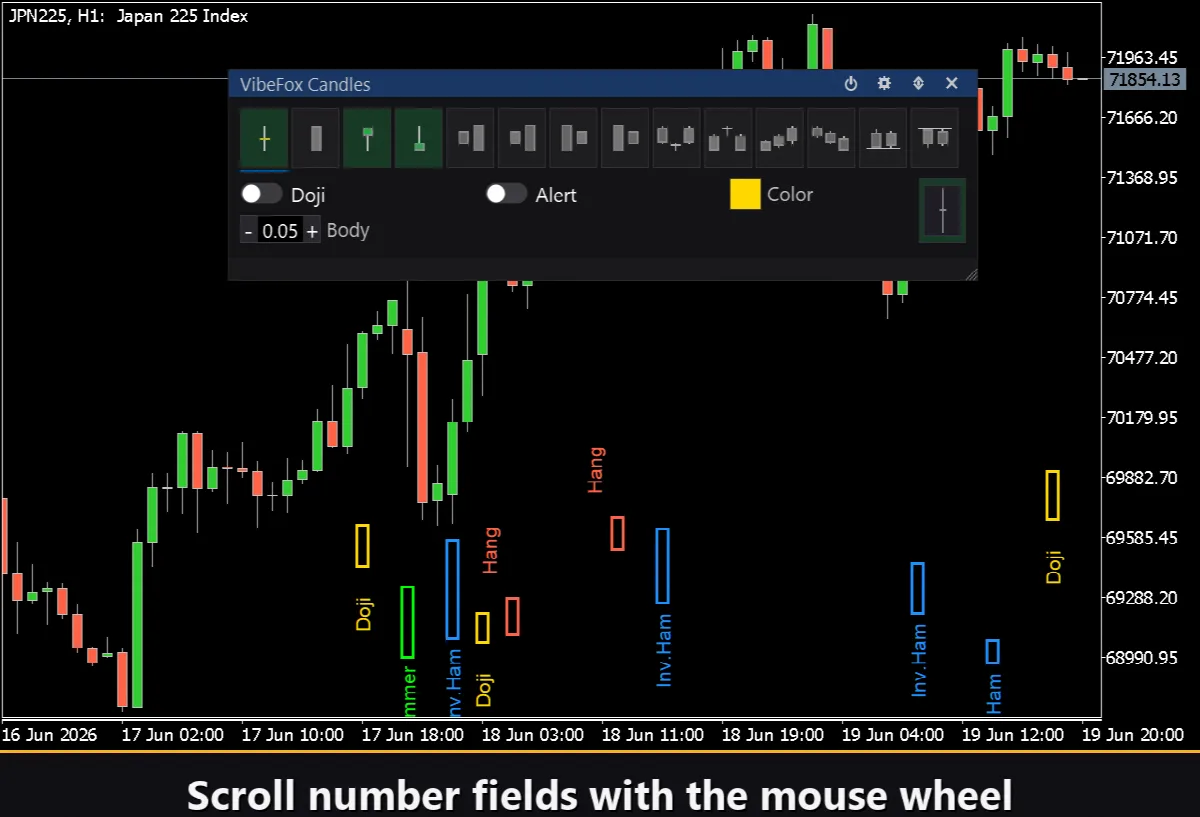
A live preview thumbnail next to each pattern shows exactly what the scanner is looking for.
Two Display Modes
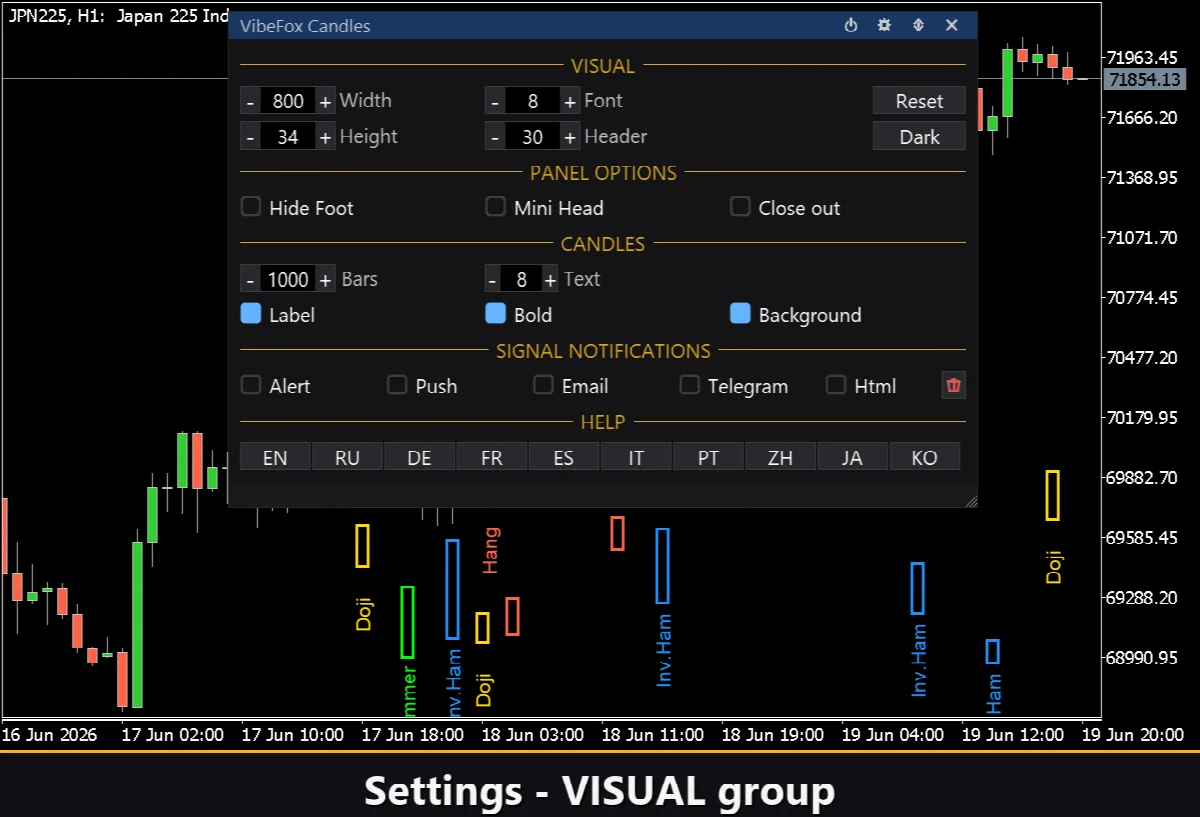
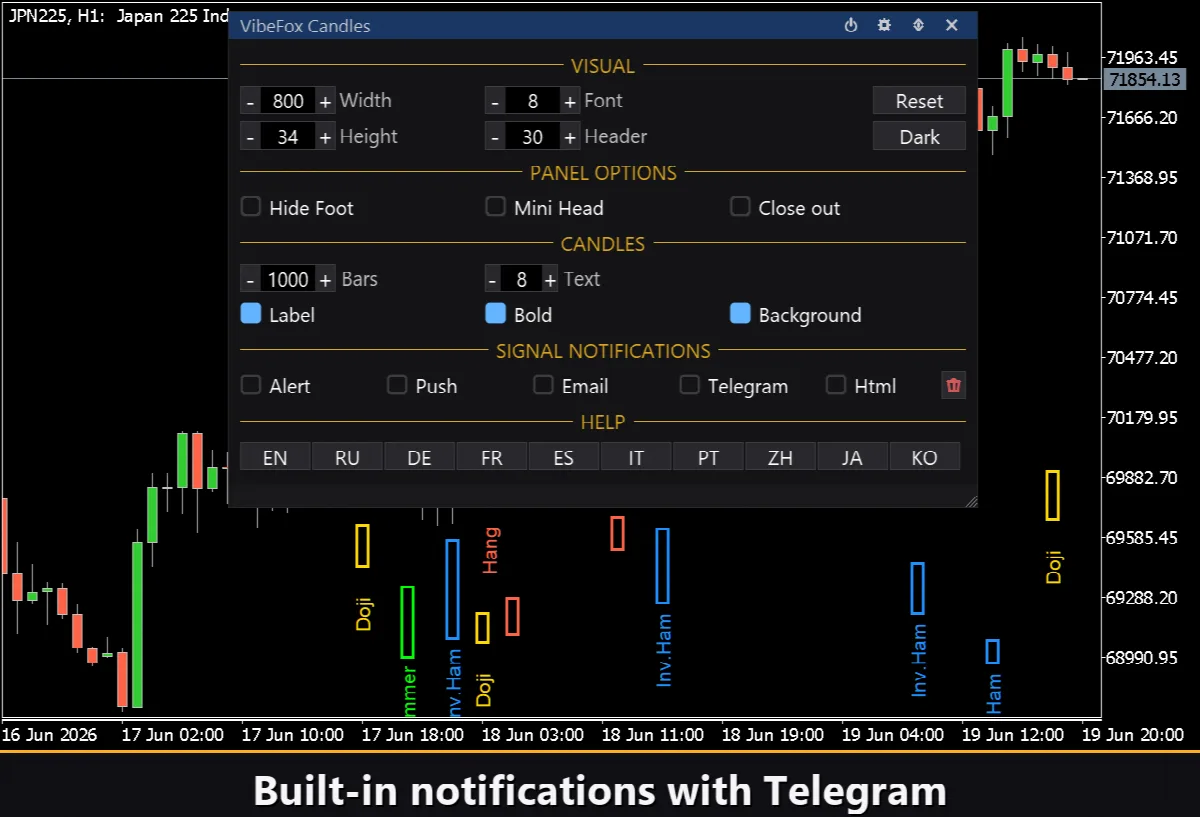
You choose how signals appear on the chart: as arrows placed next to the candle, or as a colored background highlight behind the pattern. Optional text labels name each pattern, with adjustable font size and bold style.
Independent Alert System
Each pattern has a separate Alert switch that is fully independent from its chart display. You can keep a pattern hidden on the chart and still receive notifications for it, or show it without any alerts. This way you are notified only about the patterns that matter to you.
Notifications are delivered through several channels at the same time.
Alert — pop-up message inside the terminal.
Push — mobile notification to the MetaTrader app on your phone.
Email — message sent through the terminal mail settings.
Telegram — the alert text together with a chart screenshot, sent straight to your Telegram chat.
Visual History (HTML Report)
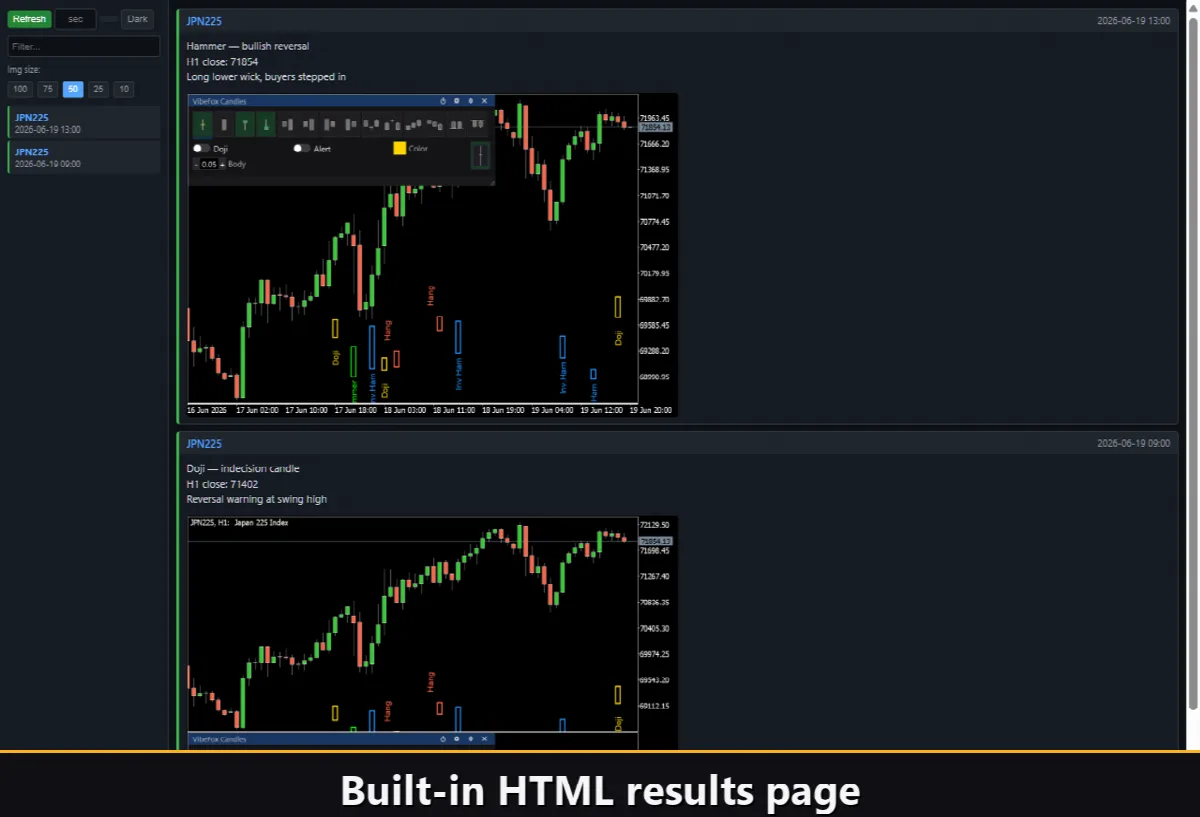
Enable the Html channel and every signal is saved into an HTML report together with a screenshot of the chart at the moment of detection. The report is stored in the terminal Files folder and opens in any browser, giving you a visual history of every pattern the scanner found. A one-click trash button clears the report whenever you want a fresh start.
Telegram Alerts
Signals can also be delivered straight to your Telegram chat — the alert text together with a screenshot of the chart at the moment of detection. Turn on the Telegram channel and enter your bot token and chat id in the inputs.
Delivery rides on the HTML report: each new signal is written into the report, and the report — opened in a browser — forwards it to your Telegram chat on its own. For this reason, enabling Telegram automatically keeps the Html report on, and the two channels work together.
Interactive On-Chart Panel
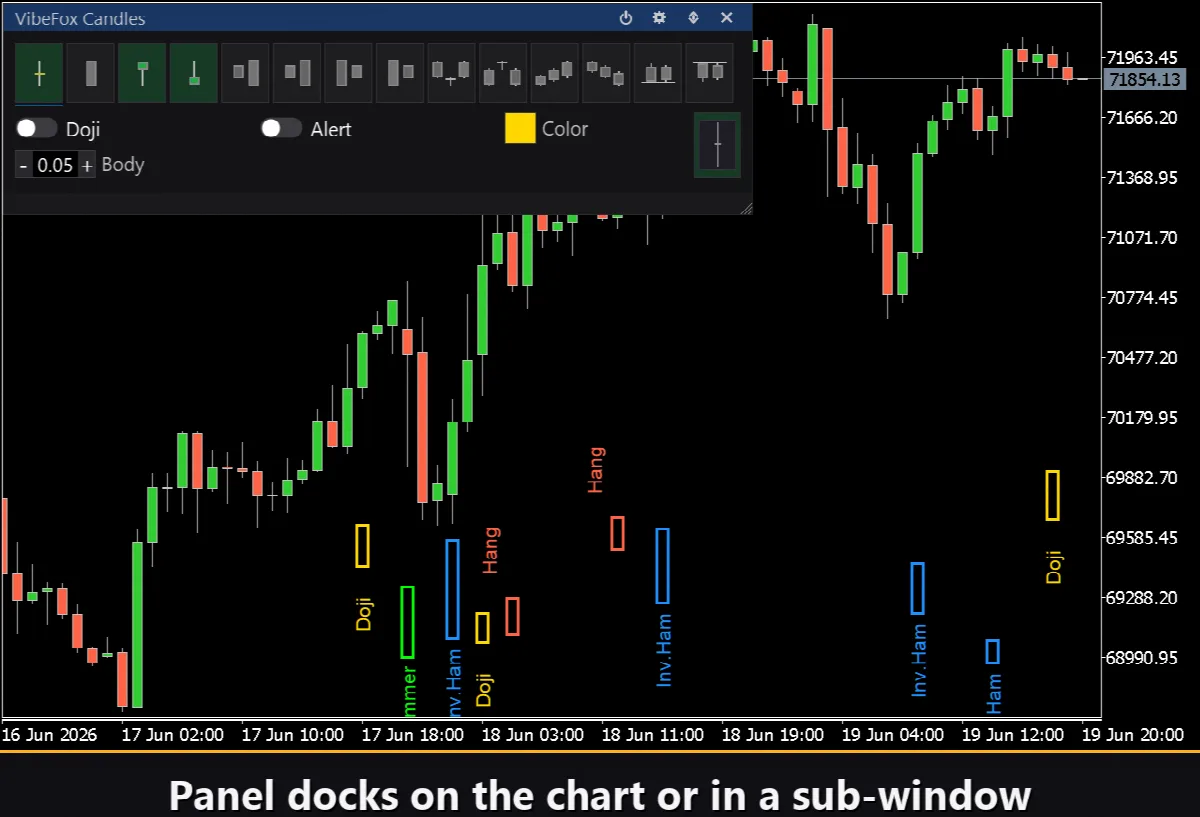
The whole interface is a smooth, canvas-based panel built for fast, mouse-driven control.
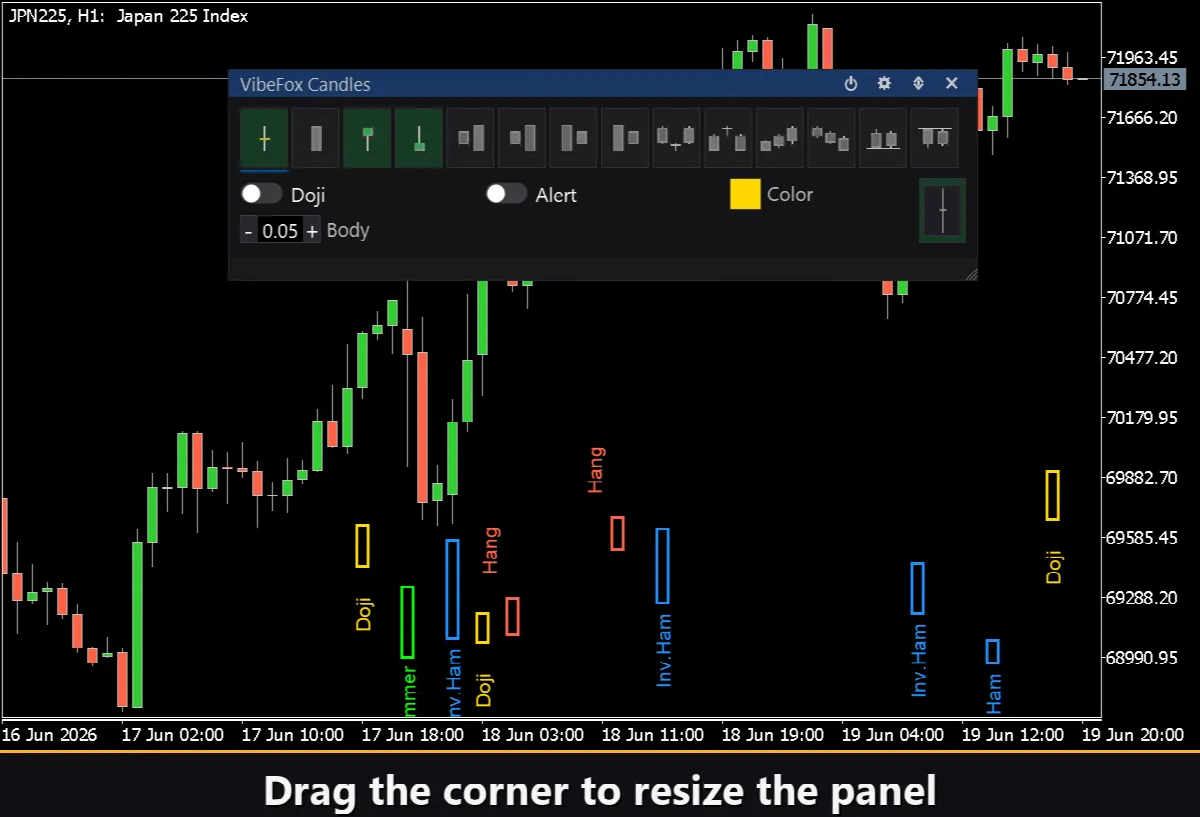
Resizable — drag the lower-right corner to scale the panel.
Movable — switch the panel between a separate subwindow and the main chart.
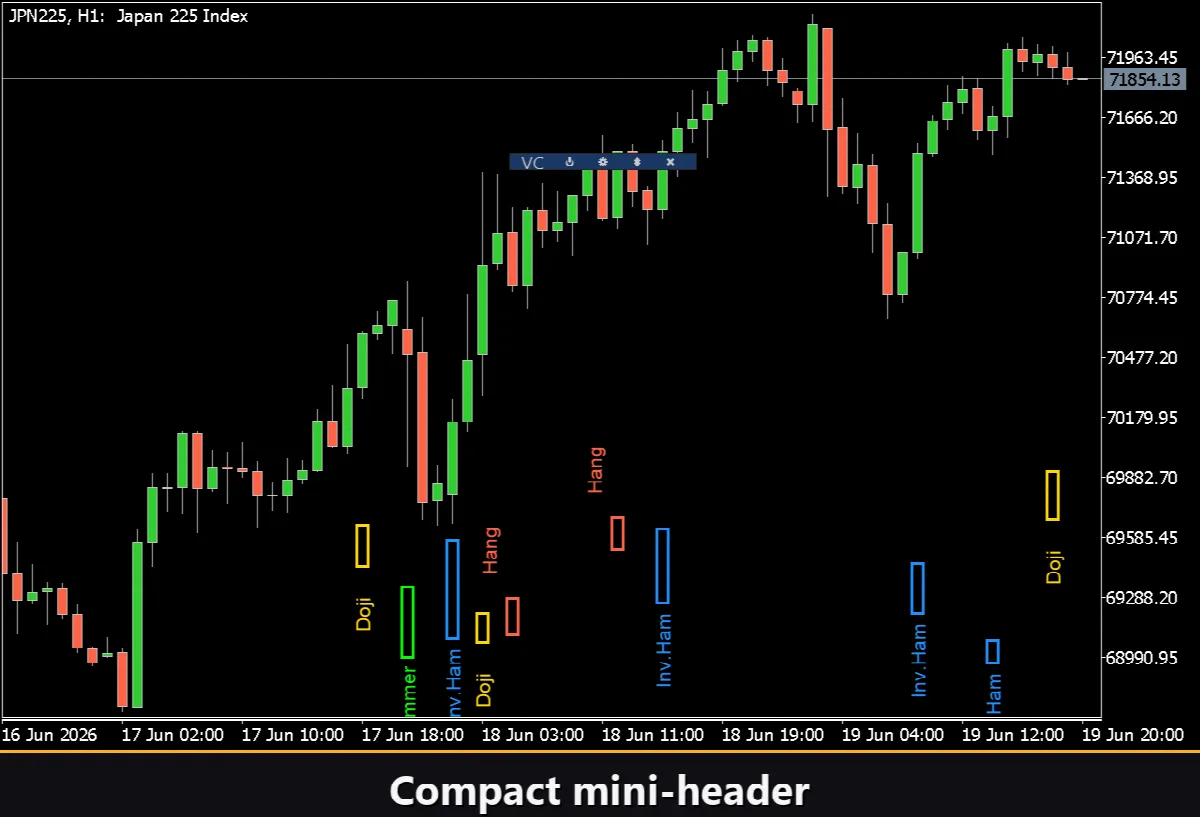
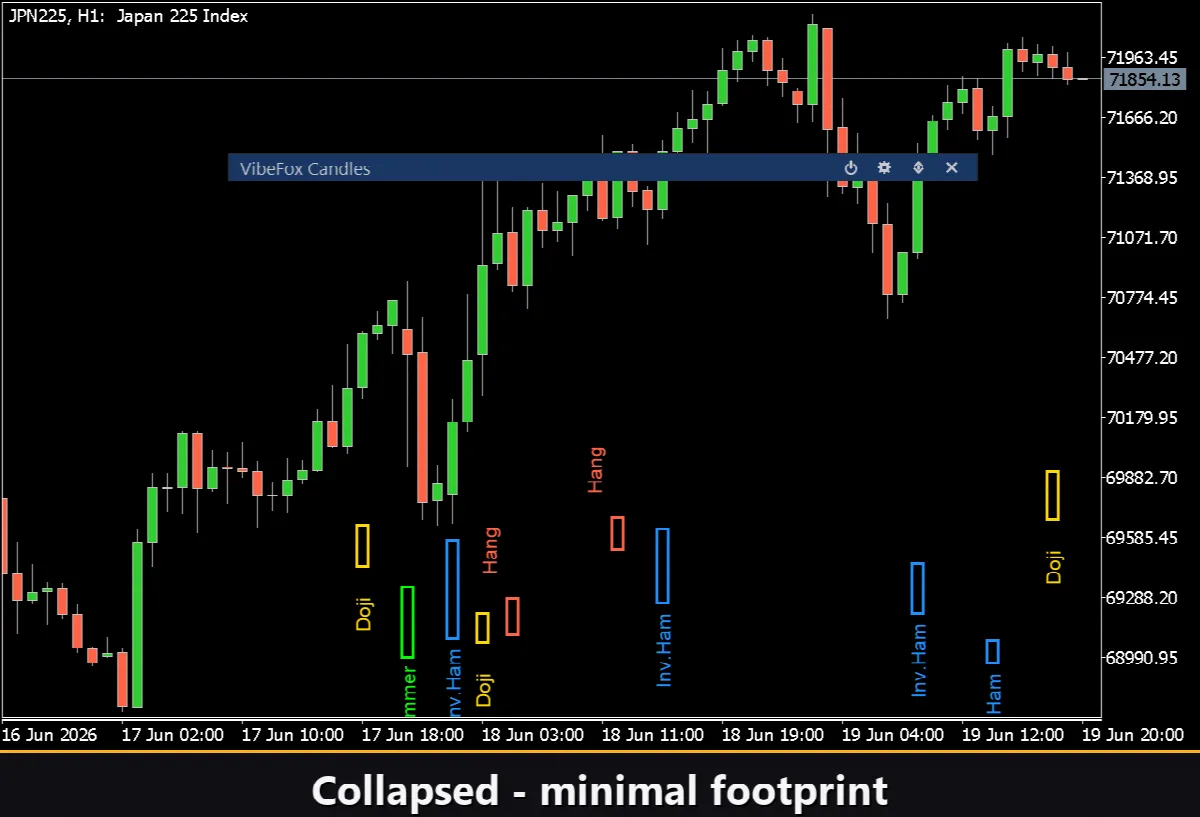
Collapsible — double-click the header to fold the panel into a compact bar.
Quick toggles — left-click a pattern tab to open its settings, right-click to enable or disable it instantly.
Mouse wheel — hover any number field and scroll to change its value.
Personalization
You adapt the look and behavior to your workspace: light, dark or automatic theme, adjustable panel width, header size, row height and font size. You set the scan depth in bars and can run several independent copies on the same chart using a unique instance number.
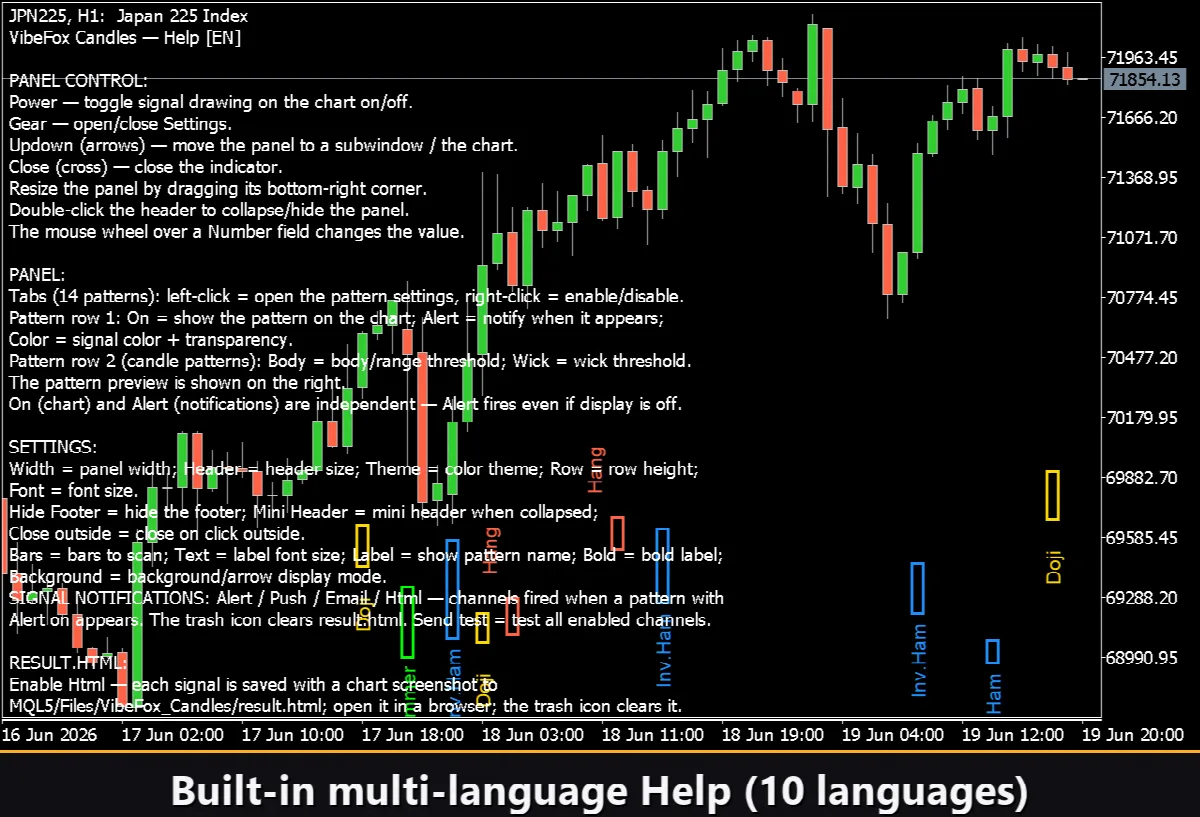
Built-in Multilingual Help
A complete help page is built into the panel and available in 10 languages, so every control is explained right where you use it.